Real vinyl scratch mechanics on your iPhone. Load any sample, feel the platter, hit record.
App Screenshot
Replace with actual screenshot
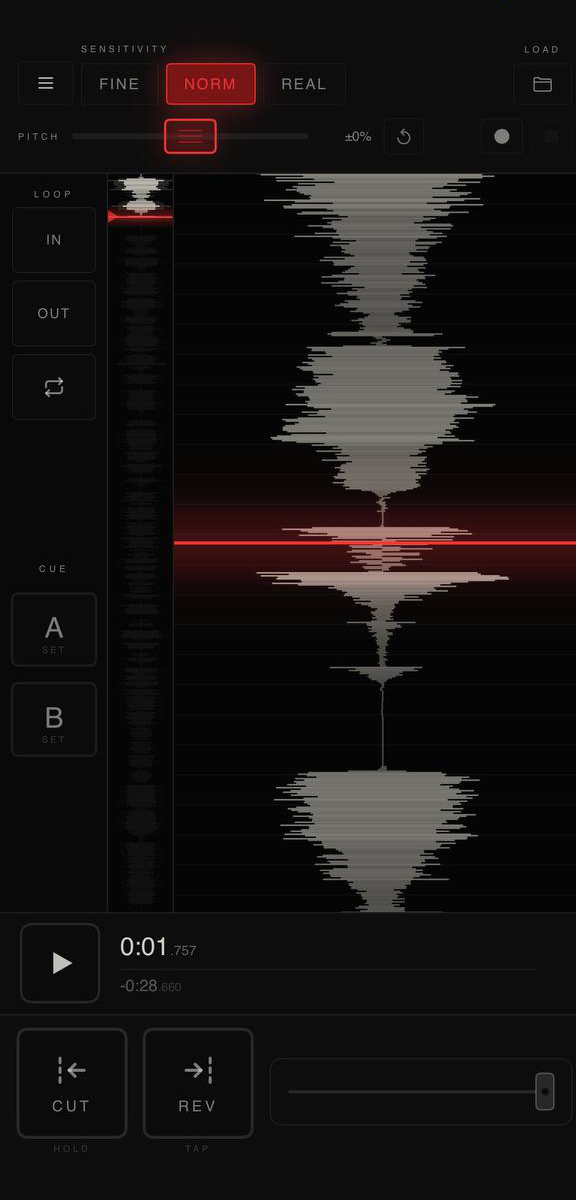
Load any audio file using the file browser or by opening it from another app. The full waveform view with overview strip lets you navigate the track instantly. From there you control everything — playback, scratching, cues, loops, and cuts — through touch.
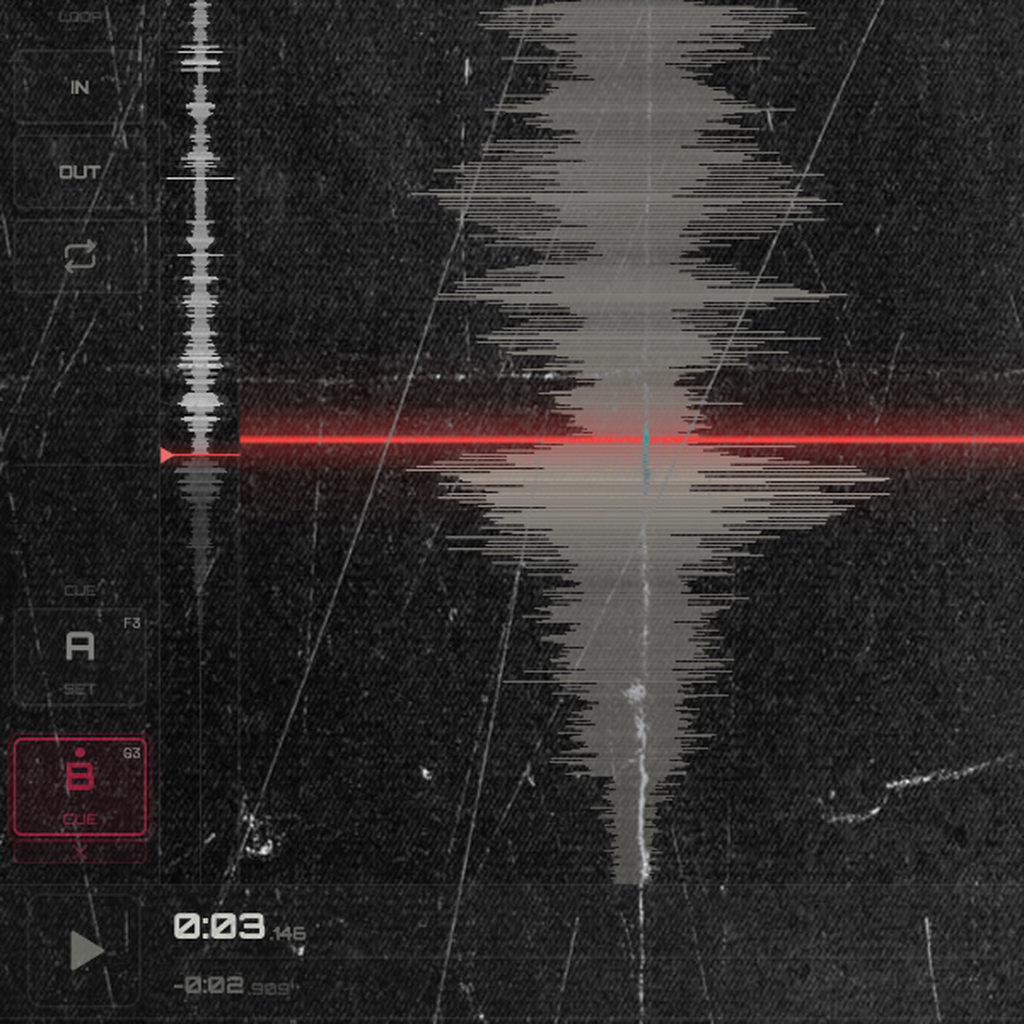
Scratching works by dragging on the waveform canvas. The vinyl physics engine models real platter inertia: the sound accelerates and decelerates the way a record actually does, including spin-down when you let go.
Real platter inertia. The sound accelerates and decelerates the way a record actually does — spin-down, coast, and snap-back.
Drag the waveform to scratch. Hold CUT to kill the signal like a crossfader. REV flips direction. Crossfader strip for blend control.
Two cue points. Set loop IN/OUT manually. Toggle loop without losing the region. Jump to cues instantly.
Capture your scratch session as WAV. Up to 3 minutes per take. Share or save directly from the app.
Load as an instrument plugin inside GarageBand, AUM, Audiobus, or any AUv3 host. Full UI inside the host.
Dark interface optimized for stage and studio. 15 color palettes to match your style and setup.
Unlock all features: sample loading, recording, REV CUT, crossfader, themes, and AUv3 support. Free version includes full playback and CUT with the default track.